
guide
Best FiveM Graphics Pack for Low End PC Settings
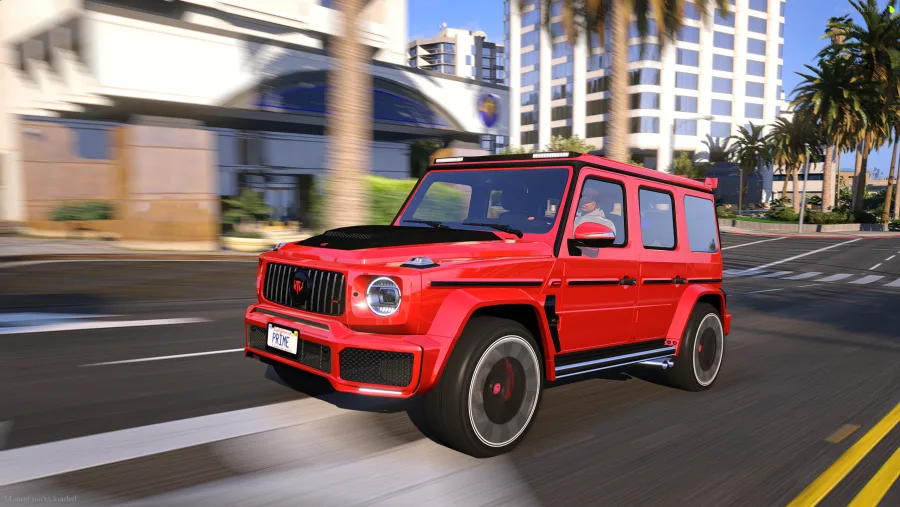
Low-end PC players usually search for graphics packs because they want FiveM to stop looking default without making the game stutter. The answer is not the biggest pack. The answer is a controlled one.
Low-end PC checklist
- Pick optimized packs before cinematic packs.
- Use lower shadow and reflection settings if the server is busy.
- Avoid stacking multiple visual packs at the same time.
- Test in city traffic, not only quiet roads.
- Use a preset lightly if you want better screenshots.
What kind of look works best?
Bright, clean, readable visuals are usually better for weaker PCs than ultra-dark cinematic looks. You want the game to feel sharper without forcing heavy effects into every frame.
Prime recommendation
Start with an optimized pack. If you want a vivid daylight look, use Prime Vivid. If you want a more balanced realism-first look, use Prime Ultra Prime Graphics.
Choose a clean optimized look
Use the product previews to match the look to your PC before buying.
Questions this guide answers
- What FiveM graphics pack is best for low-end PC?
- How do I make FiveM look better on a weak PC?
- What FiveM graphics settings are best for low-end PC?
Quick answers
What should low-end PC players avoid?
Avoid stacking multiple visual mods, heavy shadows, extreme reflections, and cinematic presets that make every scene darker. Those choices usually hurt playability before they help realism.
Is a vivid look good for a low-end PC?
A clean vivid look can work well because it makes daylight, roads, and cars easier to read without needing a dark cinematic grade. The key is controlled lighting, not maximum effects.
Should I choose a graphics pack or a preset first?
Choose the graphics pack first if default FiveM still looks flat. Add a preset later if screenshots need a stronger color style.